


Senior Picture Watermark Remover
Paid for digital senior pictures that still show the studio logo? Upload a photo and our AI removes it in about a minute, keeping the look your photographer created.
or drop a photo here · JPG, PNG, or WebP up to 20 MB
For photos you own or have permission to edit.
- Free preview
- Never used to train AI
- Auto-deleted in 24 hours
- Full-size downloads with any plan
Senior Portraits, Ready to Share
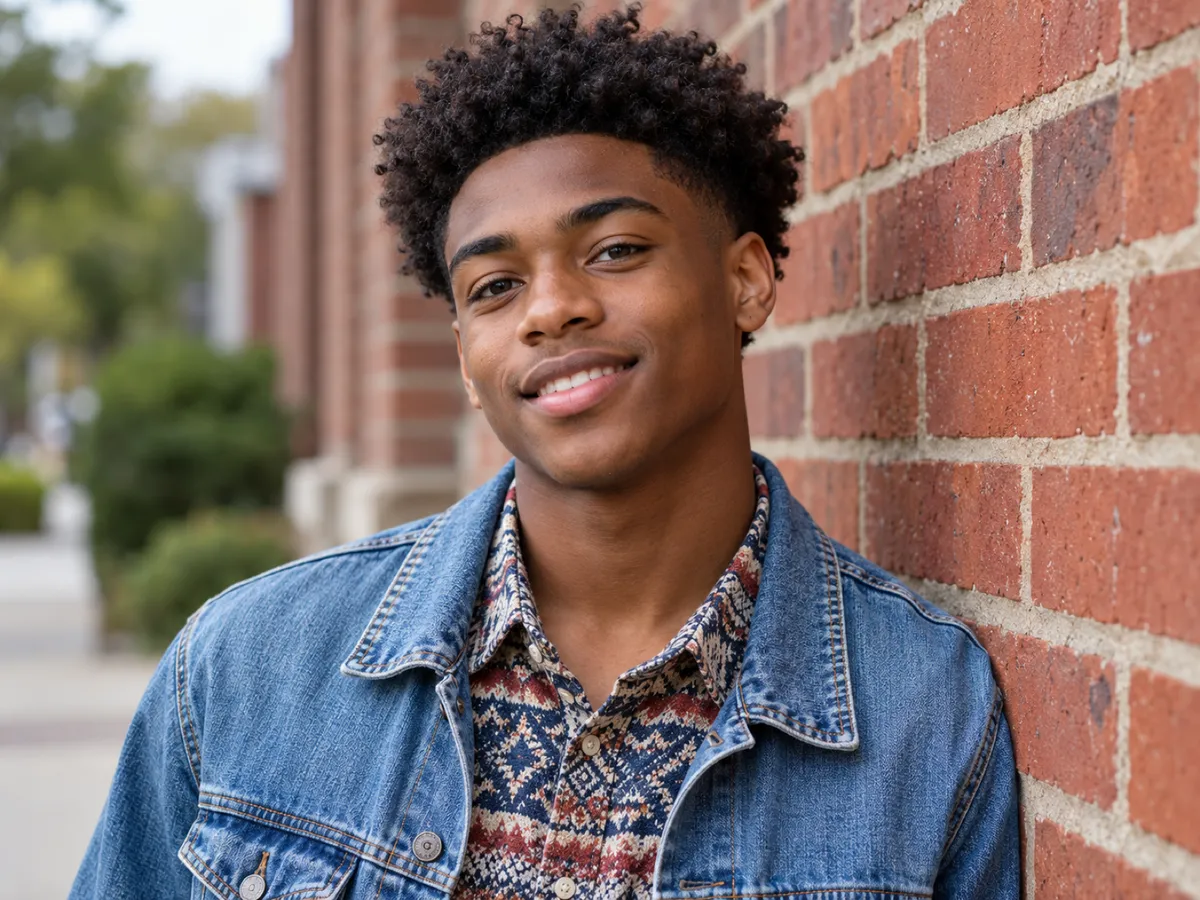
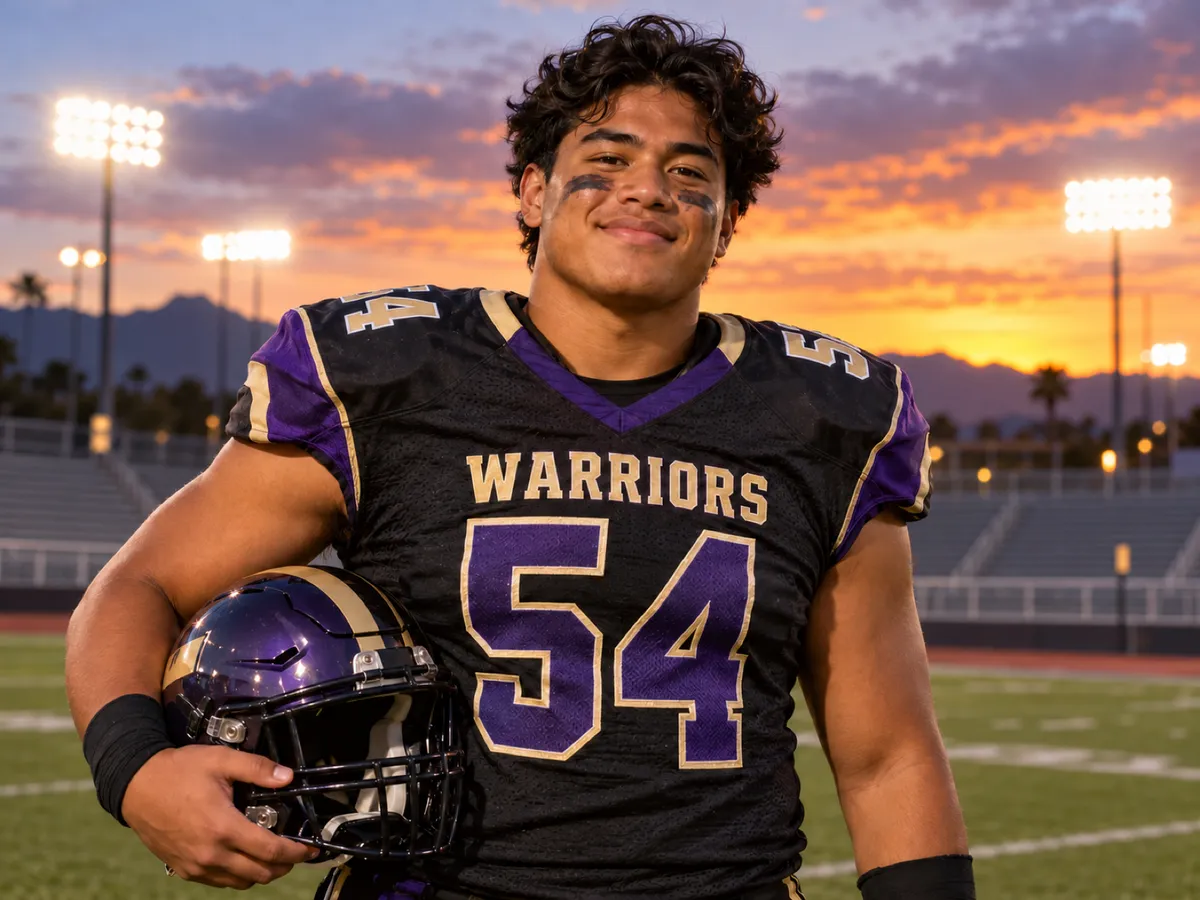
Senior portrait photographers often share proof galleries with their logo on each image. Drag the slider to see a proof cleaned up by AI.


How to Remove a Watermark from Senior Pictures
- 1
Get your senior photo file
Download the photo you bought from your photographer's online gallery. If downloads aren't available, ask your photographer for the final files.
- 2
Upload it to the tool
Drop the image above. The AI finds the studio logo or text and fills in the details underneath.
- 3
Download a clean portrait
Check the before-and-after view and download your senior picture in full resolution.

Keeps Your Senior Session's Signature Look
Senior photographers are known for their style: golden-hour light, airy edits, moody film tones. Our AI only rebuilds the watermarked area, so the edit you chose your photographer for stays intact from corner to corner.
Try it free
Handles Outdoor and Studio Backgrounds
Watermarks over fields, city streets, or seamless studio paper each need a different fix. Our senior picture watermark remover reads the surrounding texture, whether it's grass, brick, or bokeh, and is designed to fill it in to match.
Try it free
Ask for Your Print Release
Many senior photographers include a print release with digital packages, which spells out how you can use and print the photos. If you've paid but only have proofs, ask for your final files and release first. If you can't reach your photographer, this tool can help with photos you have the rights to use.
Try it freeWhen Seniors and Parents Use This Tool
Senior announcements
Design graduation announcements and party invites with senior photos you have the rights to use.
Social media and college profiles
Share your favorite senior pictures without a logo across your face.
Senior night and sports banners
Put a clean senior portrait on a senior night poster or a team banner.
Photographer went quiet
You paid for the session months ago and still don't have final files. Keep following up in writing, and clean up only the copies you have the rights to use.
Photographers recovering work
Rebuild your senior portfolio from old proof galleries when the original exports are gone.
Senior Picture Tips for Yearbooks, Prints, and Posts
Senior photos get used everywhere from the yearbook to Instagram. Here's how to get each one right.
Yearbook photos need the original file
Many yearbooks require a high-resolution file sent before a fall or winter deadline, often in a specific crop and size. A cleaned proof is rarely enough, so request the original from your photographer early.
Check your yearbook's rules
Some schools only accept senior portraits taken by a contracted studio. Read your school's guidelines before choosing which photo to submit.
Social posts are forgiving
Instagram and other apps resize images to around 1080 pixels wide, so a cleaned proof is usually plenty for posting.
Wall portraits need the original
For 11x14 or larger prints, start from the biggest file you have, or order the print from your photographer for the best quality.
Senior Picture Watermark Remover vs. Other Options
| EraseBunny | Photoshop by hand | Ask for a re-send | |
|---|---|---|---|
| Time per photo | About a minute | 30–60 minutes | Days to weeks |
| Keeps your photographer's edit | Yes | Depends on skill | Yes |
| Works if the photographer is unreachable | Yes | Yes | No |
| Skill needed | None | Advanced retouching | None |
| Cost | Free preview; paid downloads | Paid software subscription | Varies by package |
Frequently Asked Questions
How do I remove a watermark from my senior pictures?
Upload the senior photo to the tool above. Our AI detects the studio watermark and removes it, usually in about a minute. Then compare the result at full zoom and download a clean, full-resolution copy. Use it only for senior pictures you own or have permission to edit.
Is it legal to remove a watermark from senior pictures?
Only if you have the rights. Use this tool only on senior photos you own or have permission to edit. If you just want a proof without paying, please buy it from your photographer. Senior sessions are how many small studios stay in business.
Can I submit a cleaned photo to the yearbook?
Usually not. Yearbooks generally need the original high-resolution file, and some only accept photos from a contracted studio. Ask your photographer for the yearbook-ready file and check your school's guidelines. Then submit the original file the way your school asks, usually through the yearbook staff or the photo company.
What is a print release?
A print release is a document from your photographer that gives you permission to print and share the photos. Many senior packages include one. It's worth asking for, since print shops sometimes require it for professional-looking photos. Keep a copy with your files so you can show it if a print shop asks.
Will the AI change my photographer's editing style?
No. Only the watermarked area is reconstructed. Color grading, skin retouching, and the overall mood of the photo stay the same. If anything near the watermark looks different, compare at full zoom before downloading; if it isn't usable, you can return the credit.
What happens to my photos after upload?
Photos are encrypted, deleted automatically within 24 hours, and never used to train AI. That includes the cleaned result. We don't sell or share them, and because many of the photos we see are of students, we keep only what we need to deliver your result.
More Watermark Removal Tools
Senior Picture Guides
What the proof watermark means, how big a banner photo needs to be, and what to do if your photographer disappears.
Remove Watermarks from Your Senior Pictures
Upload a senior photo you have the rights to and see the result in about a minute. See your first result free when you sign up.
Remove watermark now